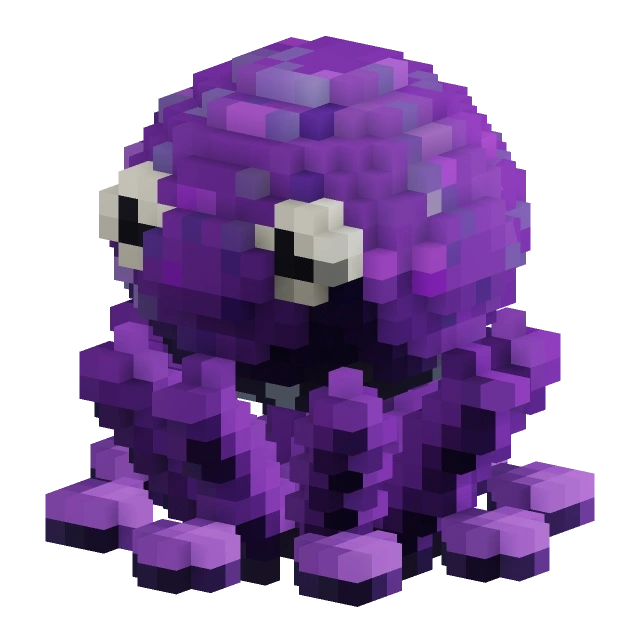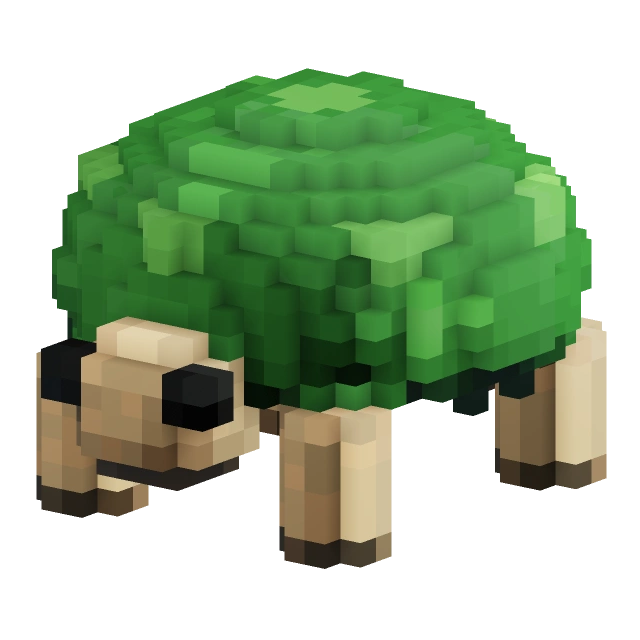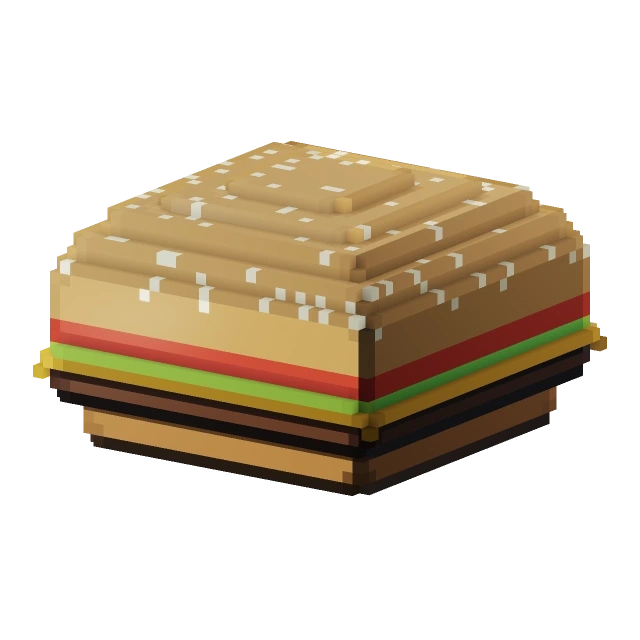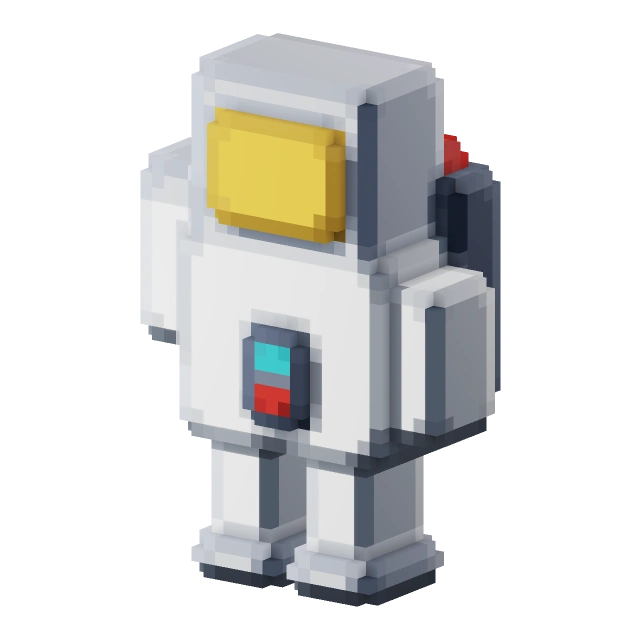
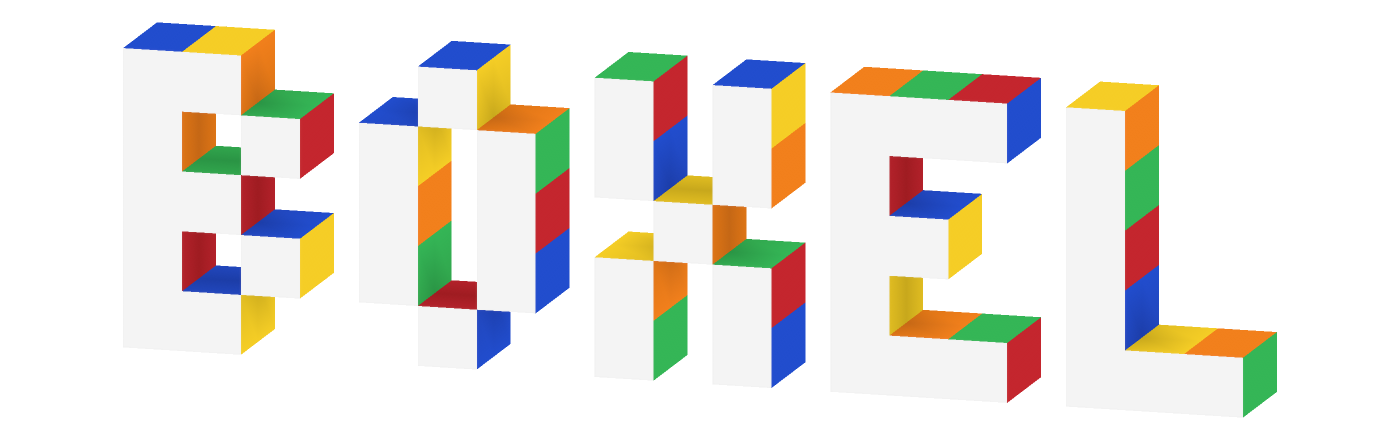
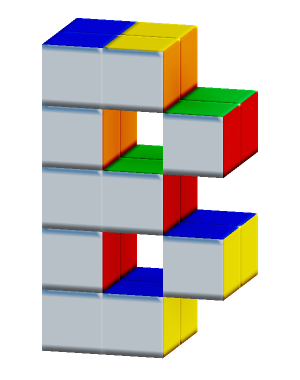
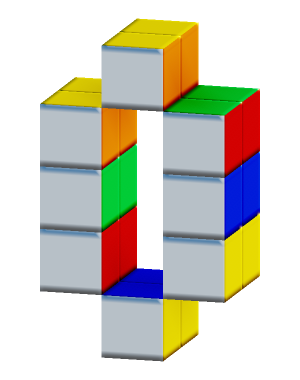
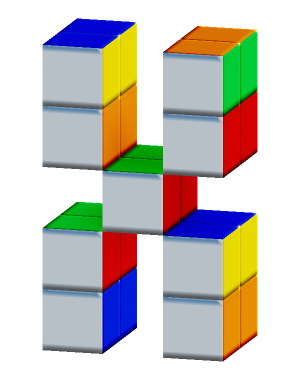
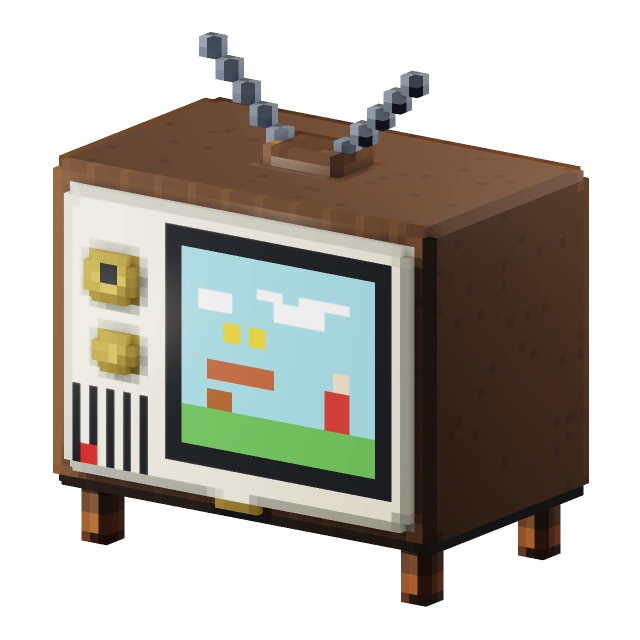
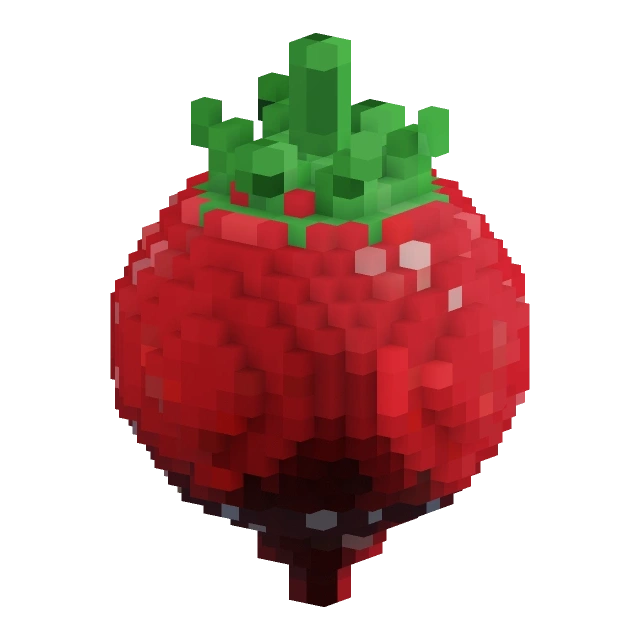
The desktop boxel editor

It roxels.

Make characters, props and worlds.
Give every face a little character.

Little models. Made in Boxel.Build · Paint · Animate · Export

A whole workshop for little worlds.

Start with a cube. Shape it, paint it, and make it your own.
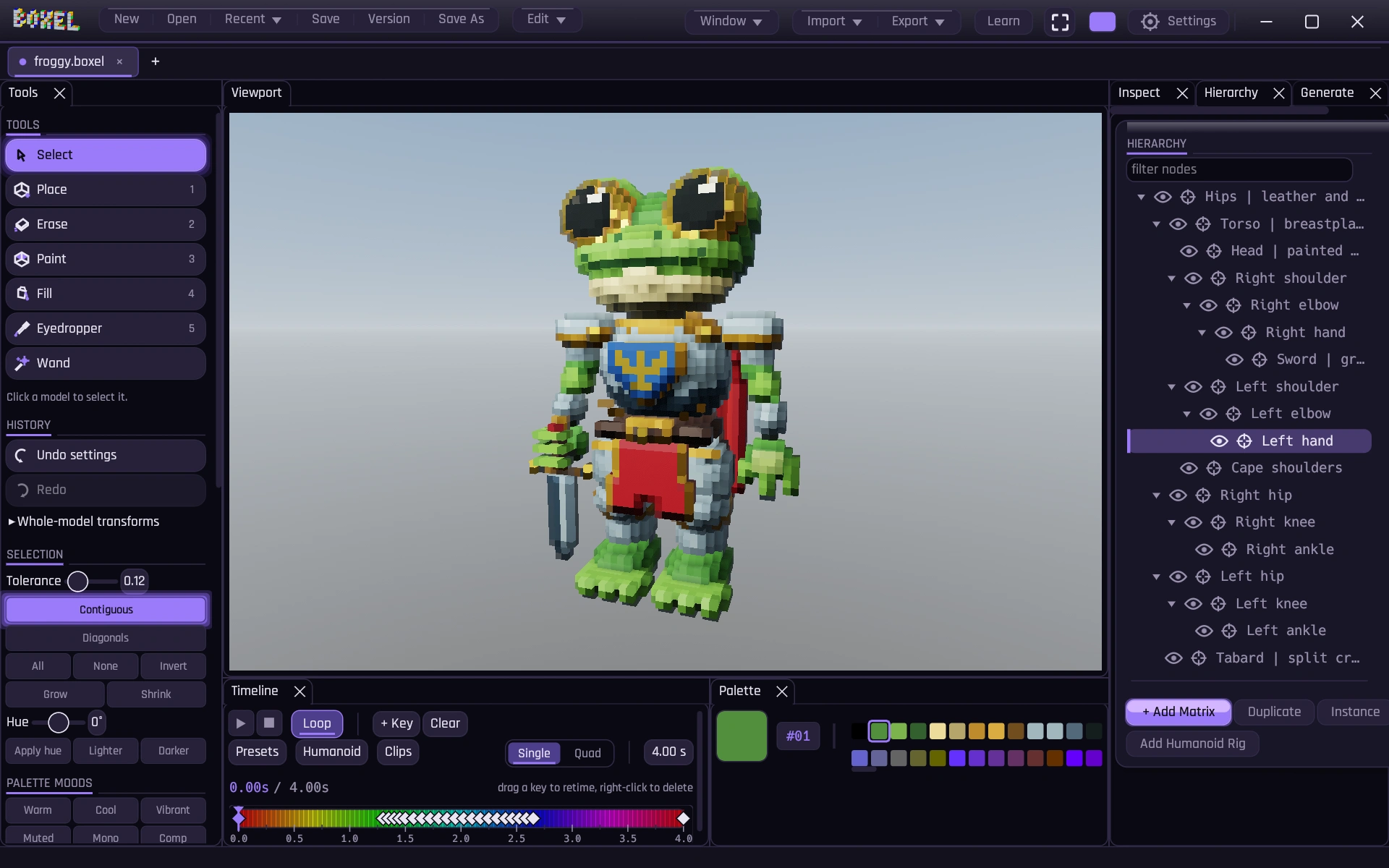
Your workbenchView full size ↗
The Boxel desktop editor, with a model in the viewport and its tools, scene hierarchy, palette, and timeline arranged around it.
Froggy in the actual editor. Tools on the left, scene parts on the right, and an animation timeline below.
01

Build your shape

Place, erase, extrude and mirror. Start from editable primitives or generate terrain, trees and caves.

02

Find the finish

Paint individual faces. Mix metal, glass and glowing materials, then light the scene and render it.

03

Take it into your game

Export .glb for Unity or Godot, .obj and .stl for other tools, or .vox for another voxel workflow.

Like to tinker? Boxel also has local scripting controls for building, painting, animating and capturing your work.

Think Minecraft blocks.

Grass on top. Dirt on the sides.
Different faces, same block.

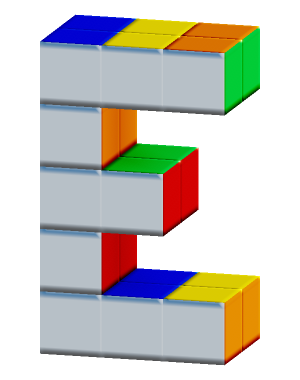
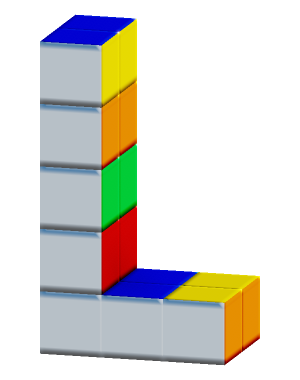
Minecraft's grass block already gets the idea. In Boxel, every little cube can have a different color and material on each of its six faces.

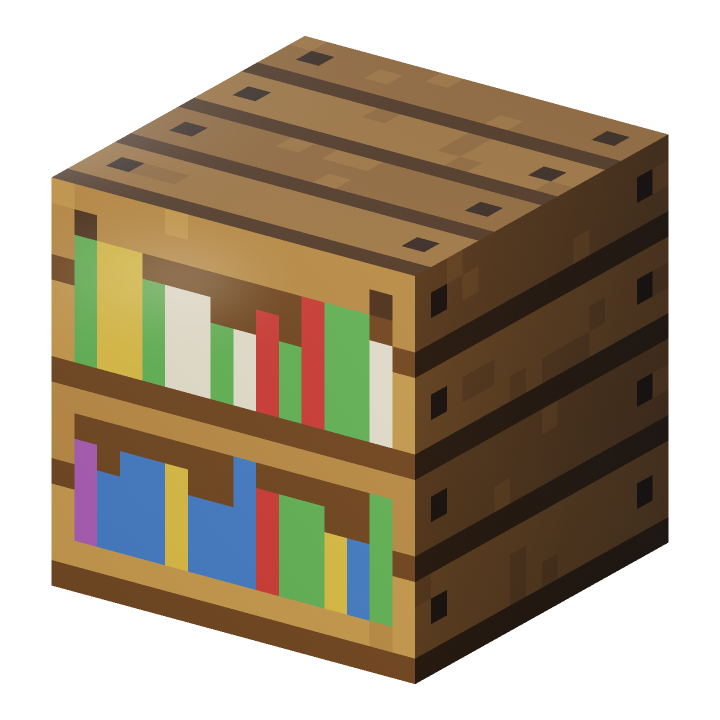
Paint eyes on a character, rings on the end of a log, or books on a shelf. The detail lives on the faces.
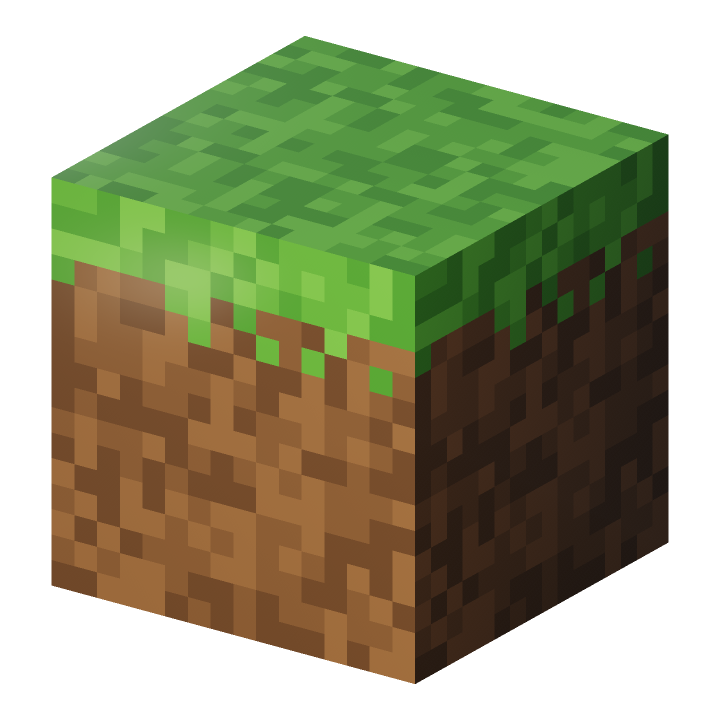
A grass block made in Boxel: a green grassy top and brown dirt sides, with a little grass hanging over the edges.
Grass above. Earth below.Same shape, different faces.
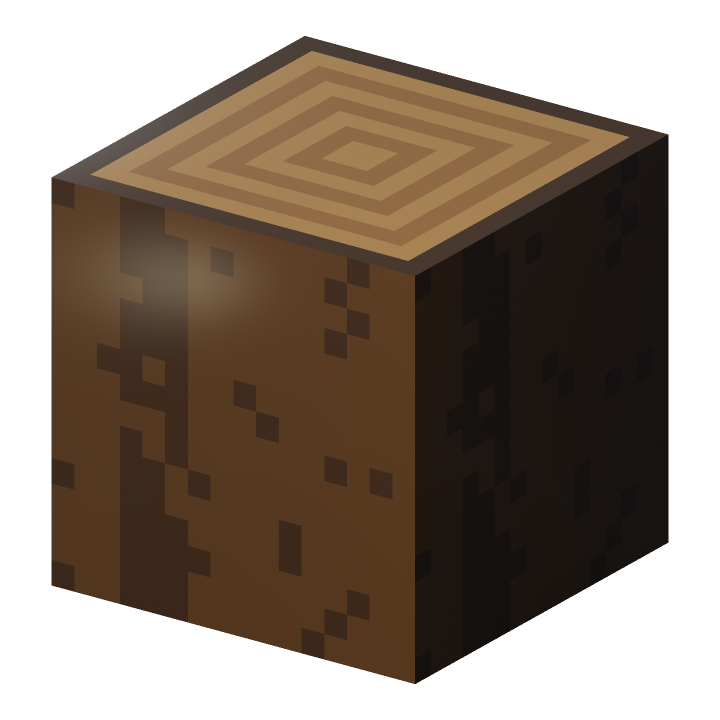
A block of wood with rings painted on the cut end and bark on the sides.
A logRings on the ends.
Bark on the sides.
A boxel bookshelf with colorful books painted on the front and wooden boards on the top and sides.
A bookshelfBooks in front.
Wood everywhere else.

Built and face-painted in Boxel.

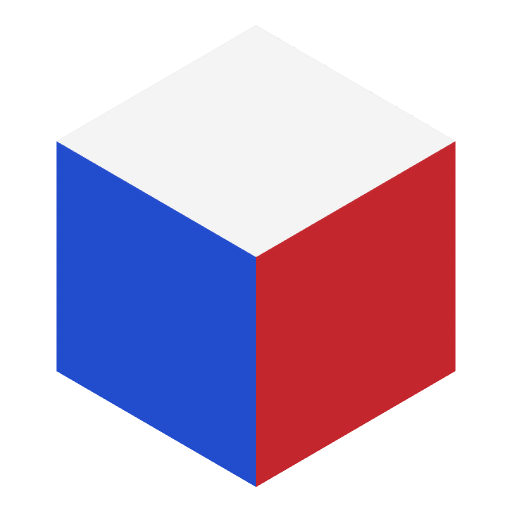
A single boxel with white, blue and red on its three visible faces.

One boxel. Six faces.
Each with its own material.
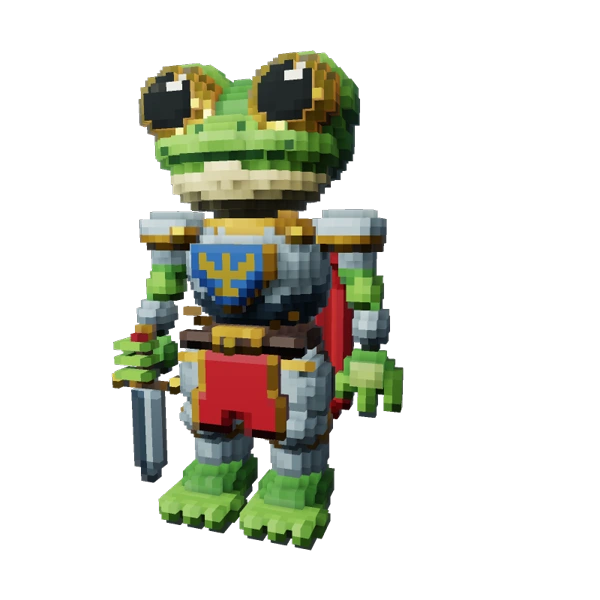
Froggy, pond knightAnimation study
Froggy, a green boxel knight with silver armor, a red cape and a sword at his side.
Built, face-painted and animated in Boxel.

Give the parts
some personality.

A head that tilts. An arm that bends. A tiny hello.

Build in parts
Keep the head, hands and other pieces editable. Parent them together in the scene hierarchy.
Put the pivot where it belongs
Rotate a door on its hinge or an arm at its shoulder. Set the joint, then make the pose.
Turn poses into motion
Add keyframes on the timeline. Preview the movement, adjust the timing, and export animation with the model.

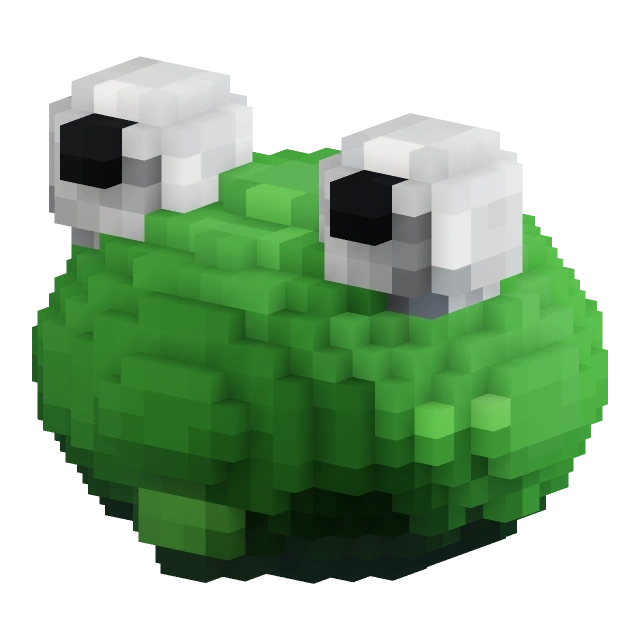
Meet Froggy. Play his greeting or inspect him from the front and back.

Your first project
has a guide.

Meet Patch, a practice bot with a few things to fix. Open Learn in the editor and work through them together.

  1. Watch it happen. See a tool at work in your actual workspace.
  2. Take your turn. Place, paint, select and undo. The lesson checks what you made.
  3. Keep your work. Lessons use a temporary document. Your own project returns when you finish.

Eleven guided projects, from your first boxel to exporting a model.
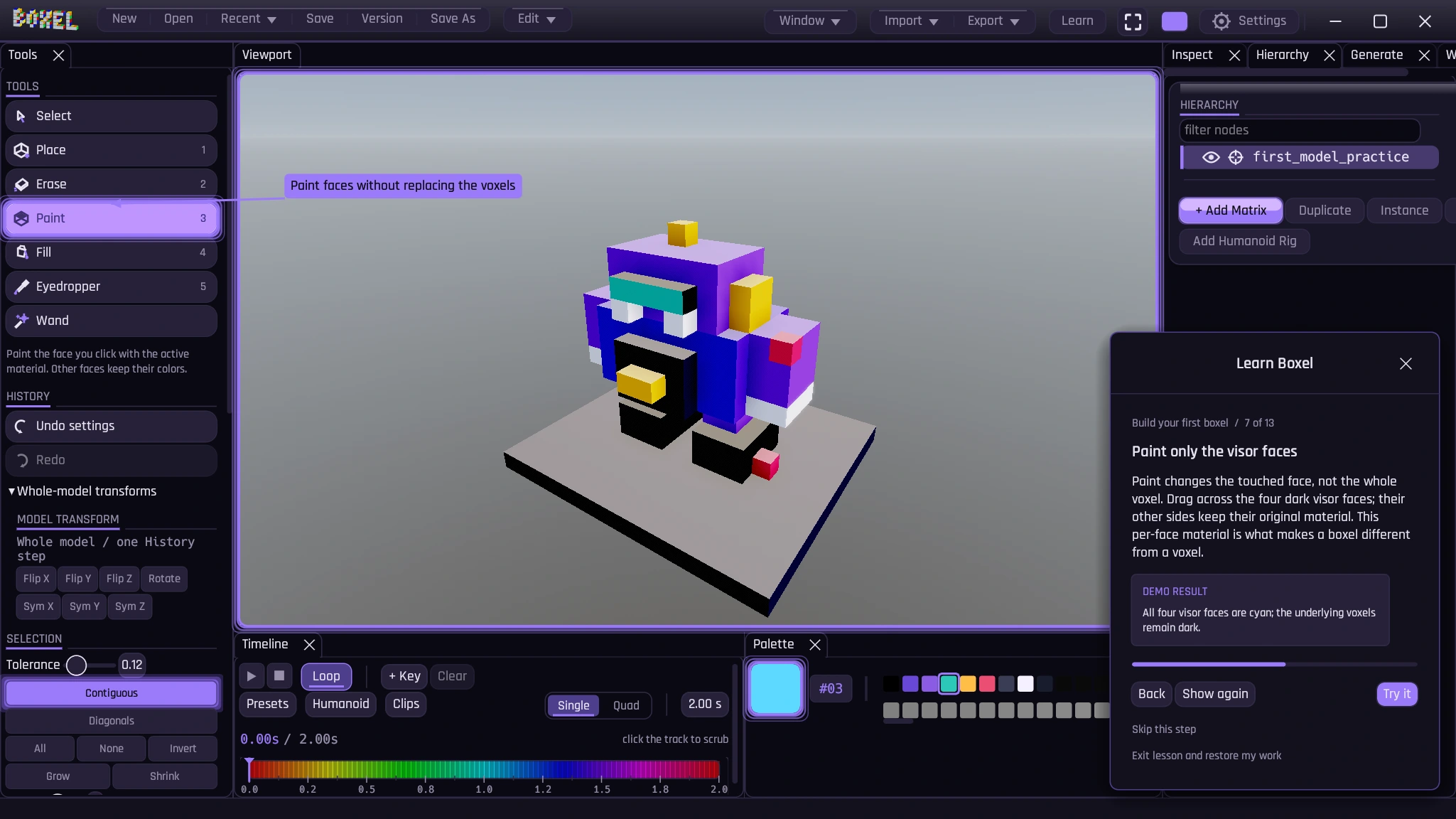
A guided Boxel lesson showing Patch, a small purple practice robot, and the face-painting instructions.
Patch is waiting under Learn in the editor.

More boxels on the way.

Boxel is in development. Public downloads are coming.
Follow the builds, new art, and release news with Trent.
Join the Discord

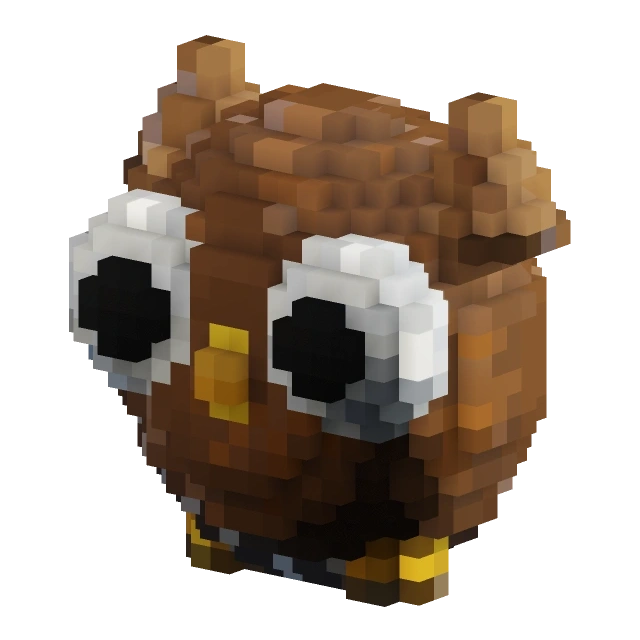
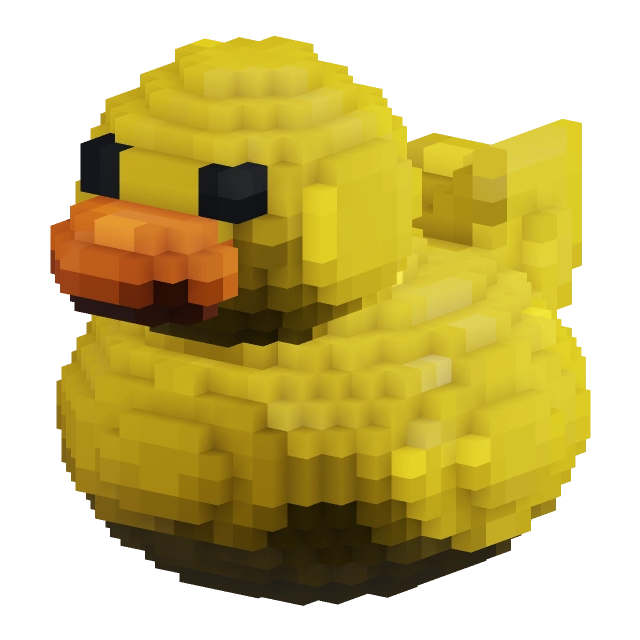
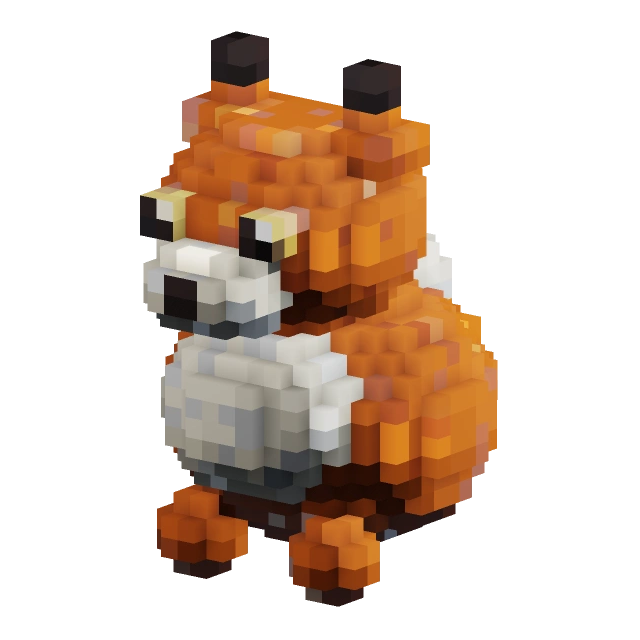
Duck, a compact model made in Boxel.