Windows · system-wide · zero latency

Bend every sound
your PC makes.

TrontEQ drops a real equalizer straight into the Windows audio engine. Grab the curve and hear it on YouTube, Discord, games, everything at once, the instant you move it. No routing, no virtual cables, no added latency.

TrontEQ
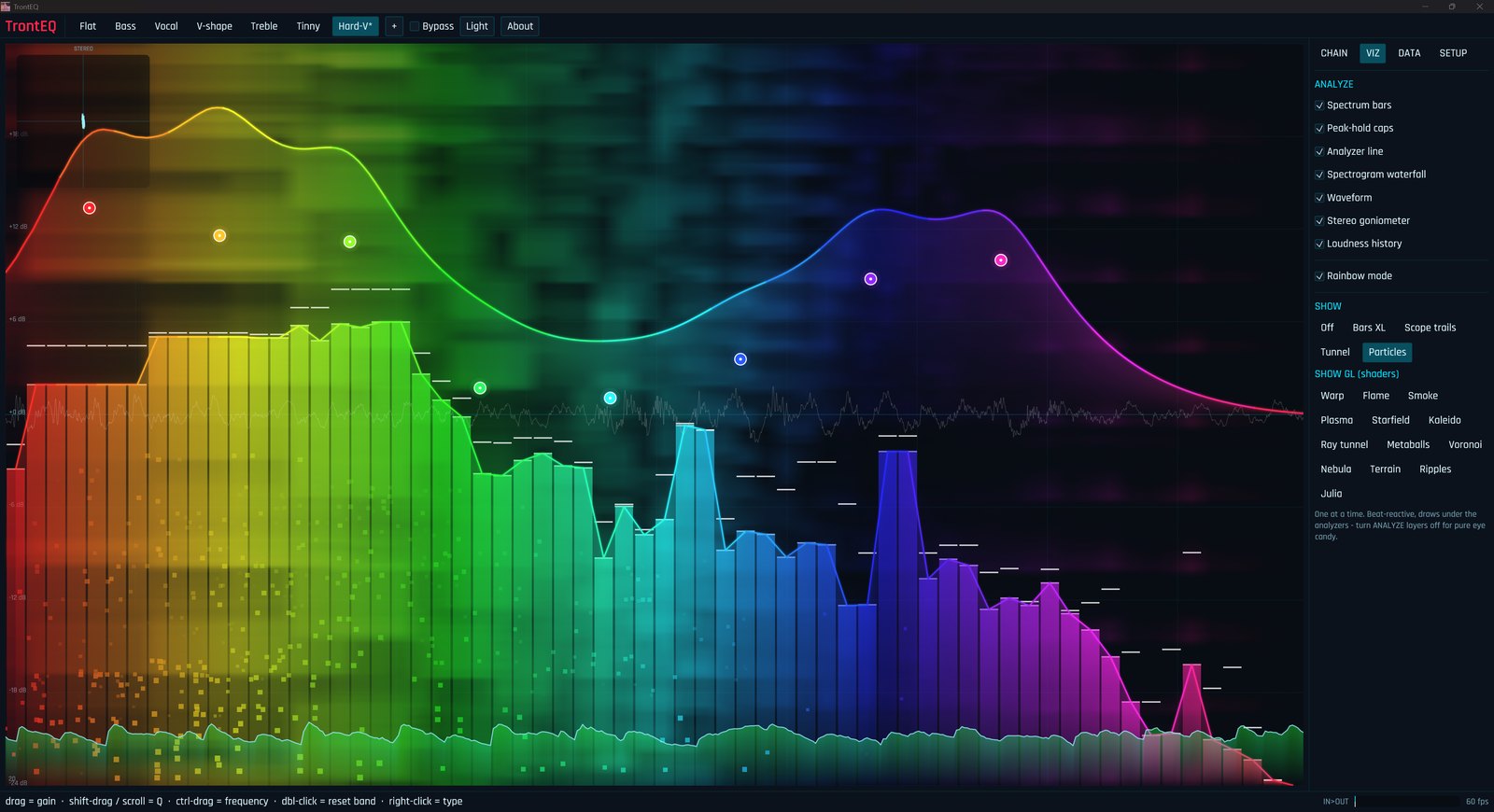
TrontEQ showing a rainbow eight-band EQ curve over a live spectrum with the particle visualizer running
0 msadded latency
8bands · 8 filter types
13shader viz modes
everythingone system output
The curve

Grab a band. Hear it move.

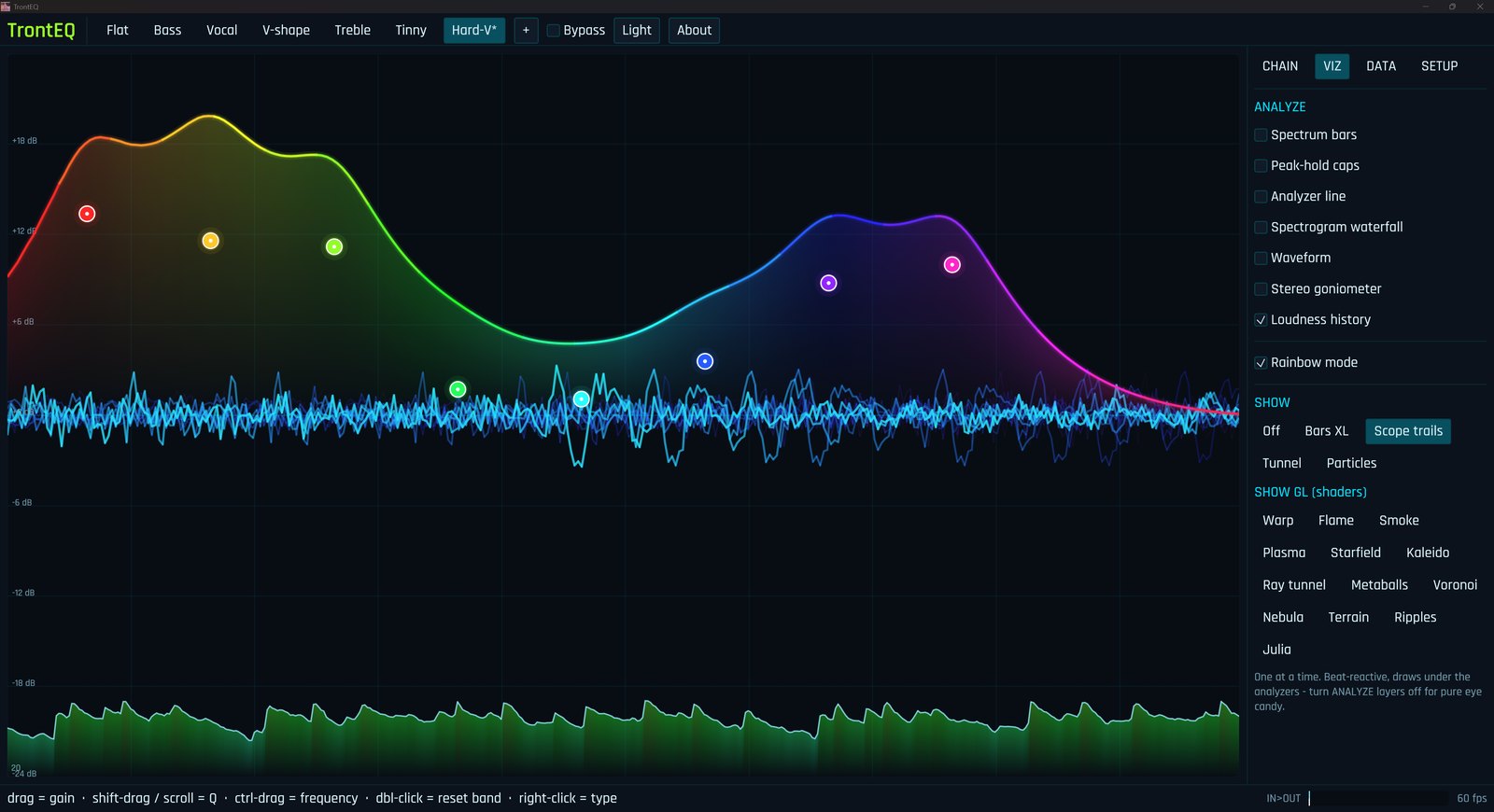
Eight draggable nodes over a live spectrum. Drag for gain, scroll for Q, ctrl-drag for frequency, right-click to swap between peak, shelf, pass, notch and all-pass filters. It runs as a custom Audio Processing Object inside Windows itself, so the change lands on whatever is already playing, right now.

Underneath the EQ sits a full chain: preamp, compressor, brickwall limiter, and an auto-loudness stage for when a stream is too quiet or a game is too loud.
RBJ biquadspreampcompressorlimiterauto-loudness
The EQ curve in rainbow mode with scope-trail waveforms layered underneath

The show

It's a visualizer
hiding in an EQ.

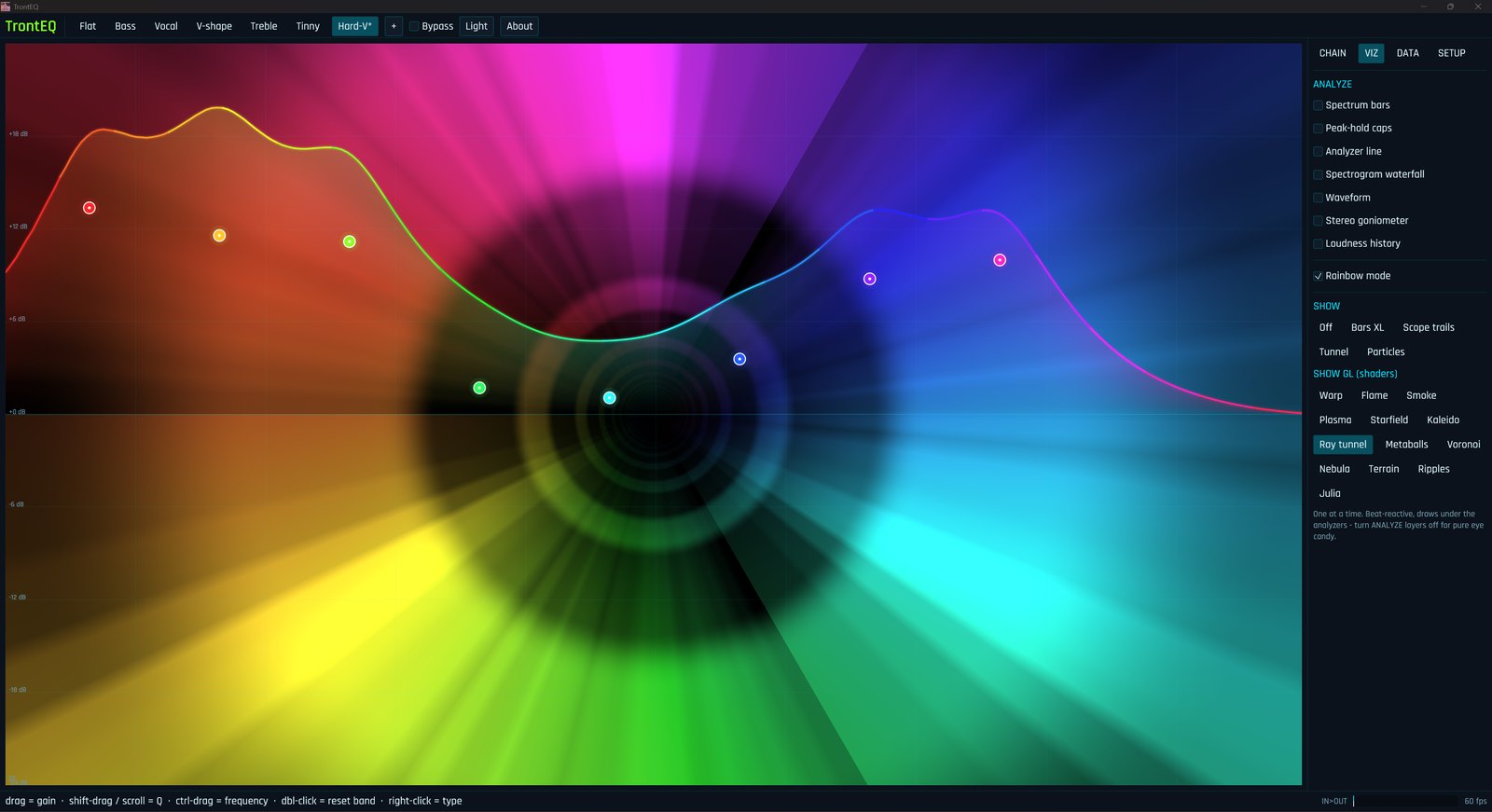
Thirteen beat-reactive visual modes, from stacked spectrum bars to a full OpenGL shader engine: warp, flame, smoke, plasma, a raymarched tunnel, terrain built from lines of your own audio. Turn the analyzer layers off and let it run as pure eye candy on a second monitor.
GL shadersspectrogramgoniometerray tunnelterrain
TrontEQ running the Ray tunnel GL shader mode, a rainbow tunnel behind the EQ curve

The data

It reads the room.

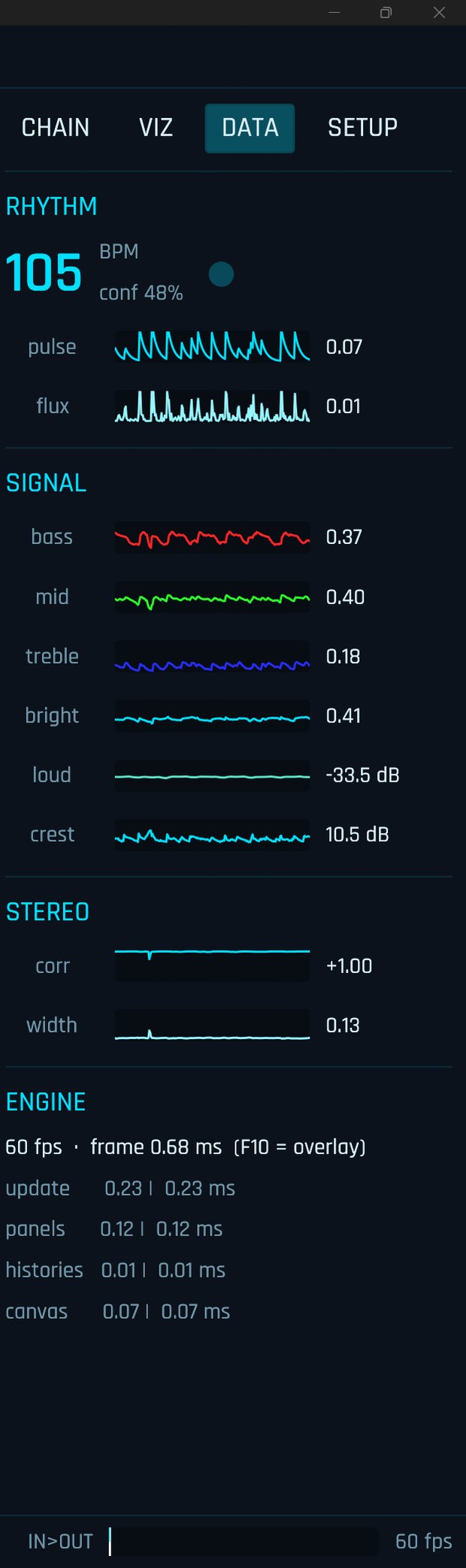
A live readout of everything flowing through: real-time BPM with a beat blinker, a spectral pulse and flux, bass / mid / treble / brightness, loudness in dB, crest factor, and stereo correlation and width. Every signal draws its own four-second sparkline, so you can watch the mix breathe.
realtime BPMloudnesscreststereo corrF10 profiler
The DATA tab showing BPM 105, signal sparklines for bass mid treble, stereo metrics and an engine profiler

A/V sync · new in 0.8

Now it can bend time.

When a stream drifts and the audio lands ahead of the picture, one amber knob pulls it back. Delay the whole system output by up to two seconds, nudge it in five-millisecond steps until the lips line up, and leave it. At zero it does nothing at all: the zero-latency path stays byte-for-byte untouched, so you only pay for the delay when you ask for it.
0–2000 msfine trimsopt-in per session
The A/V SYNC delay knob at the top of the signal chain tab

Install it

TrontEQ is a hobbyist tool that installs a self-signed audio driver, so setup is a little more hands-on than a normal app. It is worth being honest about that up front.

01

Grab the build

Download TrontEQ.zip from the latest release and extract it.

02

Run the installer

Double-click Install TrontEQ.cmd. It sets everything up and asks for one reboot.

03

Drag the curve

It launches into the tray and applies to your default output. Move a band, hear it.

Why the reboot, and the "Test Mode" watermark

Windows will not load a self-signed audio processor unless test-signing mode is on, which is a boot flag that needs one restart and leaves a small "Test Mode" tag in the corner of your desktop. That is the honest cost of a driver signed by me instead of a paid certificate authority. Everything is open source, the installer batches all of it into a single elevated pass, and Bypass or the uninstaller reverts it cleanly.