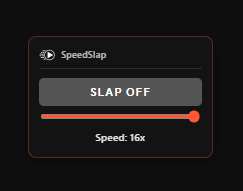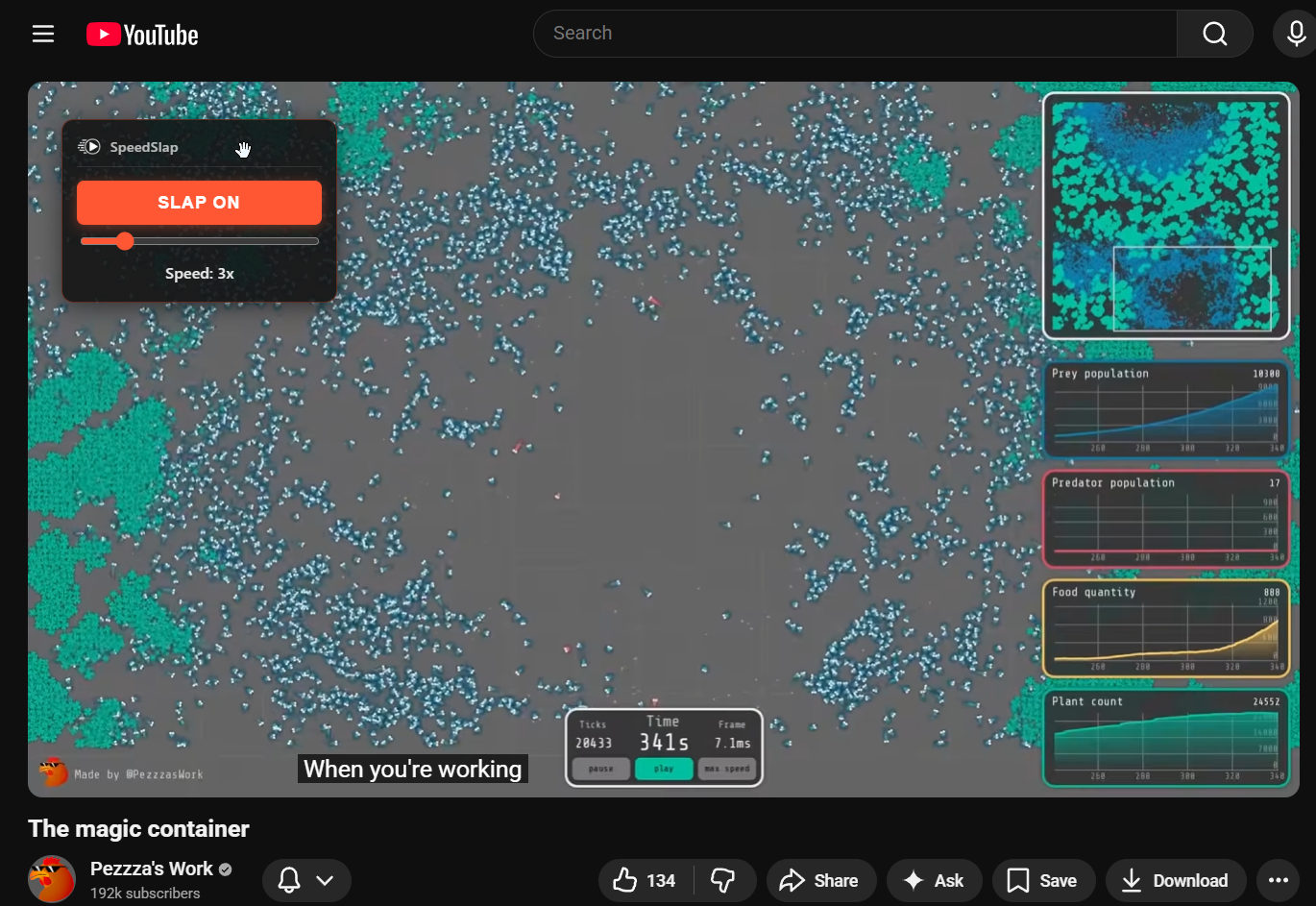
Advanced YouTube playback speed control with customizable hotkeys, SLAP toggle, and scroll wheel support.
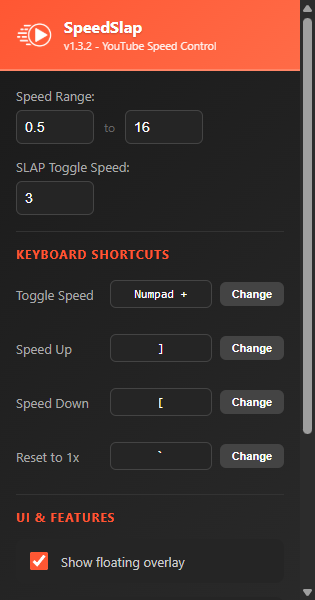
v1.3.2 - Manifest V3Control playback from 0.5x to 10x speed. Perfect for tutorials, lectures, or binge-watching.
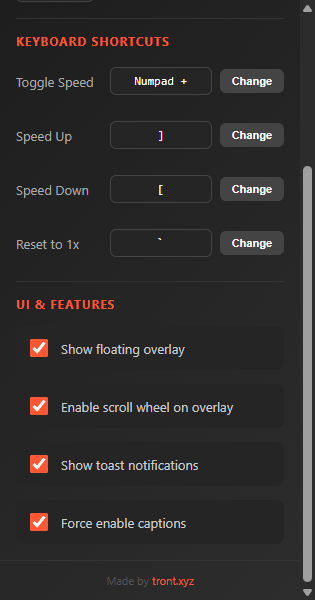
Rebind all keyboard shortcuts to your preference. Supports Ctrl, Shift, and Alt modifiers.
Hover over the overlay and scroll to adjust speed. Hold Shift for fine 0.1x adjustments.
Instantly switch between normal and your preferred fast speed with one keypress.
Your speed, position, and settings are saved and synced across browser sessions.
Sleek dark theme overlay and popup that matches YouTube's aesthetic perfectly.
All shortcuts are fully customizable in the extension settings.
Get the latest release from GitHub and extract the ZIP file.
Navigate to chrome://extensions/ in your browser.
Toggle the "Developer mode" switch in the top right corner.
Click "Load unpacked" and select the extracted folder.
Go to YouTube and start controlling your playback speed like a pro.
SpeedSlap is a Chrome extension for controlling YouTube playback speed the way you actually want to: configurable keyboard shortcuts, scroll wheel control, a draggable on-screen overlay, and a speed that persists between videos instead of resetting.
By Tront (Trent Sterling), who built it because the built-in speed menu was not enough.
More from Tront
All games and tools · Devlog · Discord · Source on GitHub · tront.xyz