Grab the screen.
All of it.
Screenshots, recordings, offline OCR and your whole capture history. Annotate, then paste or drag straight into another app.
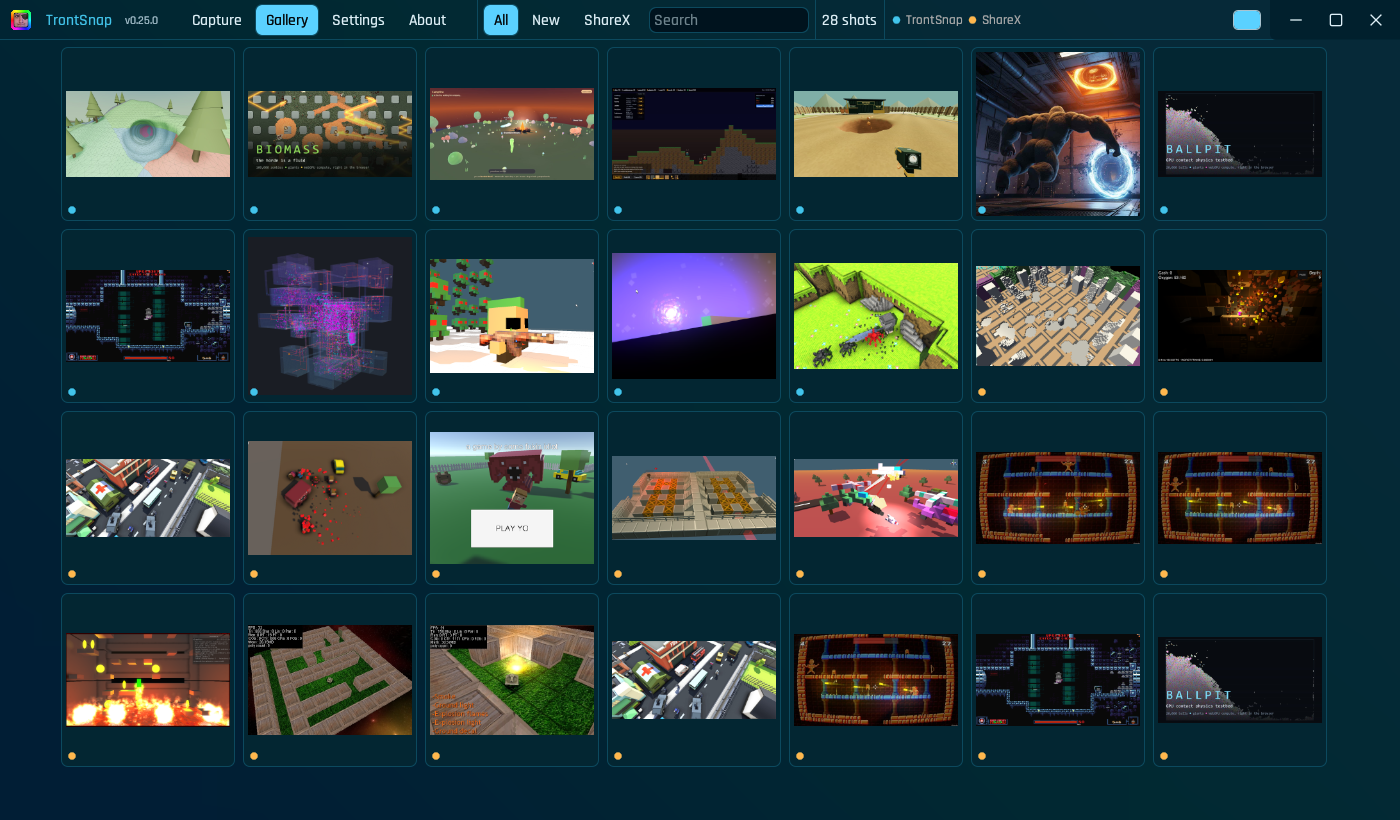
Four shortcuts. One place for everything.
Built in Rust, resident in the tray, out of your way until you press a key.
Screenshot
One key, whole screen, done.
Region
Freeze-frame, zoom loupe, exact.
Record
H.264 + audio, GPU encoded, GIF export.
OCR text
A region's words, not pixels. Offline.
Edit + redact
Arrows, text, crop, redaction that holds.
Full history
TrontSnap + ShareX, searchable together.
- PrtScCapture the whole screen
- Ctrl + PrtScFreeze the screen and select a region
- Ctrl + Shift + PrtScStart or stop an MP4 recording with audio
- Ctrl + Alt + PrtScCopy text from a region, offline
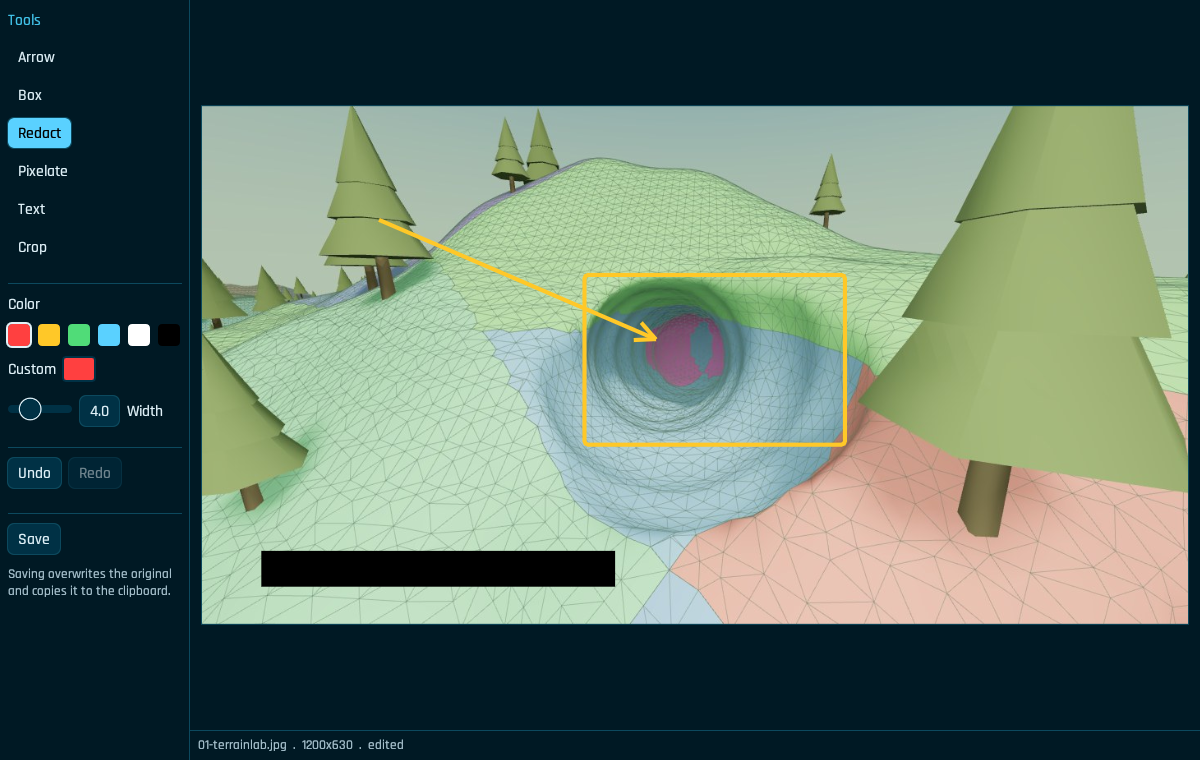
Make the point.
Hide the private bits.
Arrows, boxes, text and crop live in the annotation editor. Solid black redaction is the default. Save copies the edited image back to the clipboard.
Your ShareX years come with you.
TrontSnap reads an existing ShareX screenshot folder and merges it into the same timeline as its own captures: a decade of history, one scrolling gallery, nothing to convert, nothing abandoned. Search and OCR work across all of it.
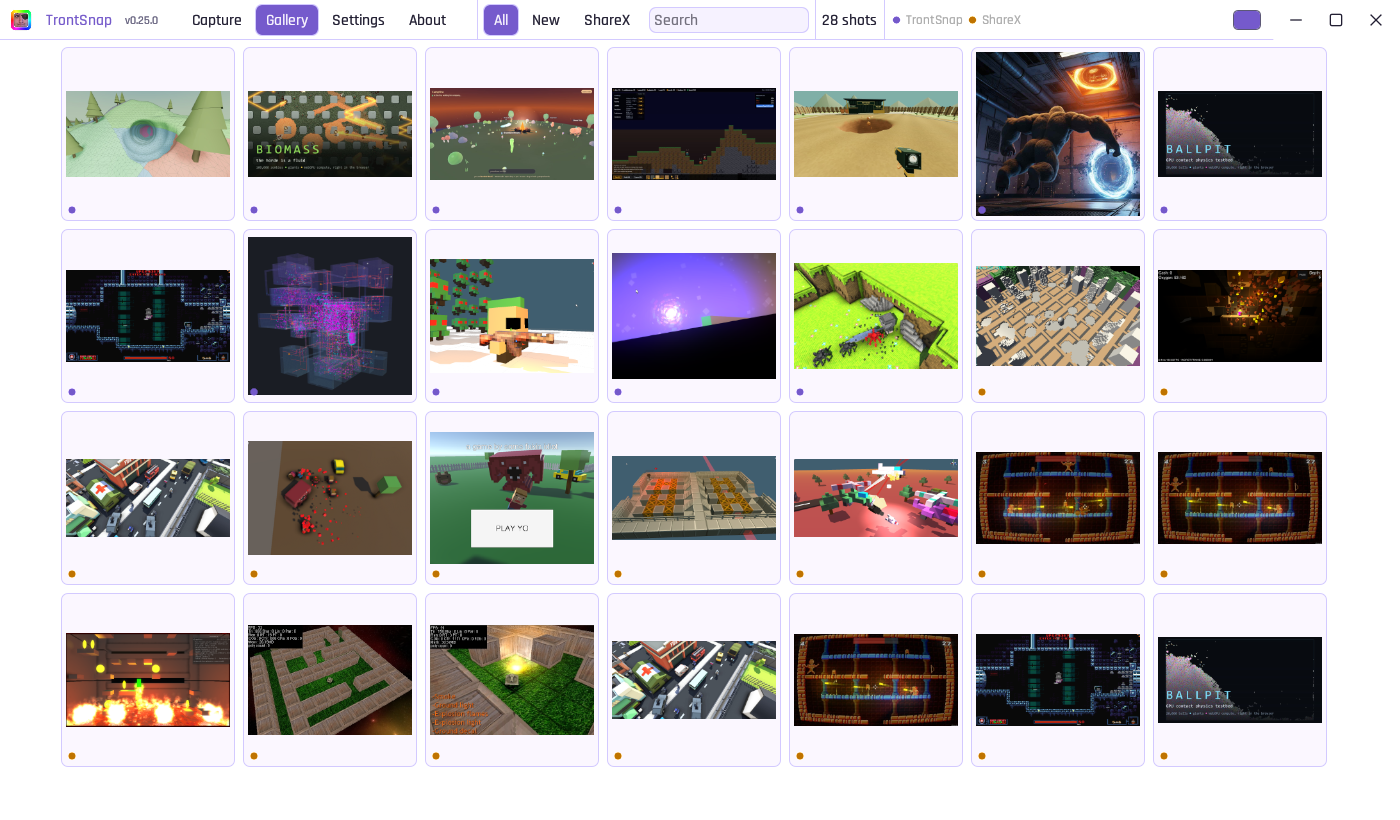
Your history.
Your colors.
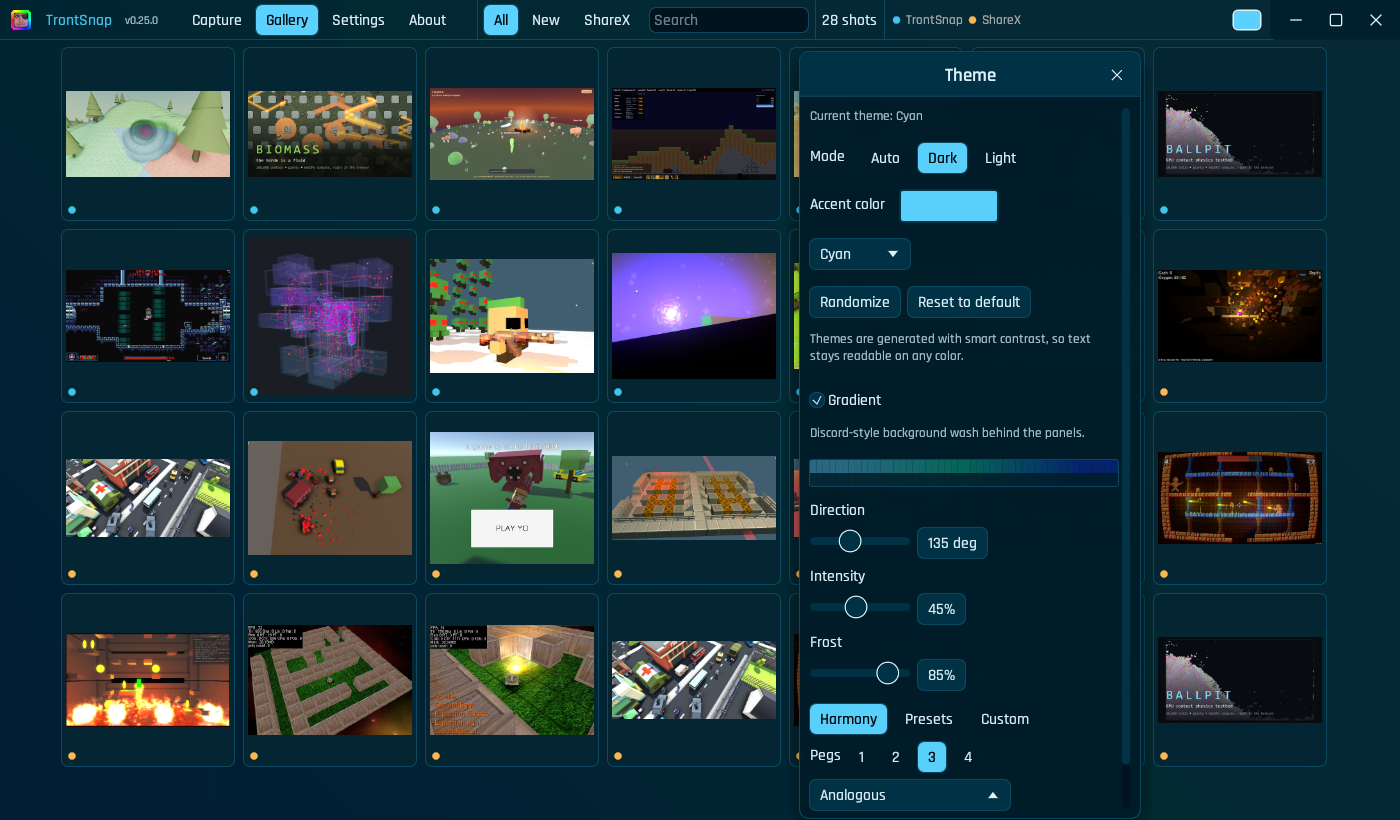
32 palettes, your own accent and a gradient wash. TrontSnap adjusts text contrast as the colors change.
The entire title bar is a grab point. Click a control to use it; drag from it to move the window.
A theme in one click.
Open the title-bar swatch to change colors without leaving the gallery. Pick a palette, adjust the frost, or roll something new.
Download and run
TrontSnap is a portable single exe: no installer, nothing to approve, no reboot. Download it, run it, and it's already in your tray.
Download
Grab trontsnap.exe from the latest release.
Run it
It drops into the tray and applies your hotkeys. Nothing to install.
Press PrtSc
Or left-click the tray icon. That's it, you're capturing.
To uninstall: delete the exe (untick "Start at login" in the tray menu first if you had it on).
The portable EXE runs without an installer or admin. To capture while elevated windows have focus, use the release ZIP's installed mode: it adds a signed hotkey broker while the main app stays at normal integrity, so drag-out still works. The setup guide covers verification and reverting to portable.