RuntimeCSG: Real-time Boolean Modeling for Unity
A real-time constructive solid geometry package for Unity. Per-brush boolean operations, chunked meshing, runtime API, and 185 tests across 3 Unity versions. Here's how it works and why BSP trees were a dead end.
The Problem
Unity doesn’t have CSG. ProBuilder exists, but it’s mesh editing – vertex pushing, edge loops, face extrusion. That’s not boolean operations. You can’t take two shapes, subtract one from the other, and get a clean result.
Chisel was the closest thing we had. It was a proper CSG tool for Unity inspired by the Source engine’s brush system. Then development stopped. The repo went quiet. If you wanted boolean brush modeling in Unity, your options were “use an abandoned project” or “write it yourself.”
So I wrote it myself.
What It Does
You add a CSGModel component to a GameObject, then add child CSGBrush components. Each brush has a shape (box, wedge, cylinder, arch, sphere) and an operation (additive, subtractive, intersect). The engine evaluates all the booleans and produces chunked Unity meshes with colliders.
Move a brush, the mesh updates. Delete a brush, mesh updates. Change an operation from additive to subtractive, mesh updates. Everything is live.
The BSP Dead End
My first approach was the textbook one: build a BSP tree from all the polygons, then use CSG tree operations (union, subtract, intersect) to combine them. This is what csg.js does, and I verified my implementation matches it exactly.
The problem is that BSP trees are monolithic. Every time anything changes, you rebuild the entire tree from scratch. With a single brush, that’s fine. With 20 brushes in a chunk, the tree gets deep, the polygon count explodes from splitting, and you’re doing way more work than necessary.
The BSP code still exists in the repo (deprecated), but the engine doesn’t use it anymore.
The Chisel Approach
I switched to a Chisel-style per-brush algorithm. Instead of building one massive tree, each brush is processed independently:
- Split – each brush’s polygons are split against the planes of every overlapping brush, creating convex fragments
- Categorize – each fragment is classified (inside, outside, aligned, reverse-aligned) relative to each neighboring brush
- Evaluate – the full boolean chain determines which fragments are visible based on operation type
- Build – visible fragments are collected into chunked meshes with auto-generated MeshColliders
The key insight is that each brush is processed independently. When you move a single brush, only the chunks it touches need rebuilding. The chunk system tracks dirty regions so unchanged areas are never recomputed. Rebuilds are time-sliced across frames with a configurable millisecond budget so you never get a frame spike.
Three boolean operations: Additive (union), Subtractive (carve), and Intersect. Five brush primitives: box, wedge, cylinder, arch, sphere. All defined by clipping planes internally, which means the math is clean and extensible.
Boolean Chain Evaluation
For each polygon fragment, we compute whether a point just in front of it and just behind it would be “solid” after applying all the boolean operations in order:
1
2
3
4
5
6
7
8
9
10
11
12
13
14
15
16
17
18
19
20
21
22
static bool EvaluateChain(List<BrushData> brushes, bool[] isInside, int brushCount)
{
    bool solid = false; // start with empty space

    for (int b = 0; b < brushCount; b++)
    {
        switch (brushes[b].Operation)
        {
            case CSGOperation.Additive:
                solid = solid || isInside[b];
                break;
            case CSGOperation.Subtractive:
                solid = solid && !isInside[b];
                break;
            case CSGOperation.Intersect:
                solid = solid && isInside[b];
                break;
        }
    }

    return solid;
}
If front=empty, back=solid, the fragment faces outward (visible). If front=solid, back=empty, it faces inward (flip it). If both are the same, it’s not on a boundary (discard).
Coplanar Tiebreaking
The trickiest part was handling coplanar faces. When two brushes share a face (like two boxes touching), both brushes generate a polygon on that plane. Without special handling, you get z-fighting.
The fix: later brushes in the chain always win. If brush A and brush B share a coplanar face, brush B claims it and brush A’s fragment is discarded. Simple rule, but it took a while to get right.
Double Precision Where It Matters
All plane math uses doubles internally. The plane equation is Ax + By + Cz + D = 0 with double-precision coefficients. This matters at world scale – single-precision floats start collapsing around 1000 units from origin, and CSG plane intersections amplify those errors.
Floats only appear at the final mesh output stage where Unity requires them.
Chunk System
The world is divided into a grid of chunks. Each chunk independently collects the brushes that overlap it, runs the CSG engine, and builds a mesh. Only dirty chunks rebuild when something changes.
Each chunk gets its own GameObject with a MeshFilter, MeshRenderer, and MeshCollider. Physics just works.
Runtime API
This is the part that matters most. RuntimeCSG isn’t just an editor tool. It works at runtime. You can build and modify CSG geometry from code while the game is running.
1
2
3
4
5
6
7
8
9
10
11
12
13
14
15
// Create a CSG model
var modelGo = new GameObject("Level");
var model = modelGo.AddComponent<CSGModel>();

// Add a floor
var floor = new GameObject("Floor").AddComponent<CSGBrush>();
floor.transform.SetParent(modelGo.transform);
floor.SetBox(new Vector3(10f, 0.5f, 10f));
floor.Operation = CSGOperation.Additive;

// Carve a hole
var hole = new GameObject("Hole").AddComponent<CSGBrush>();
hole.transform.SetParent(modelGo.transform);
hole.SetBox(new Vector3(1f, 1f, 1f));
hole.Operation = CSGOperation.Subtractive;
That’s it. The model detects brush changes automatically via dirty tracking and rebuilds the affected chunks. Move a brush at runtime and the geometry updates. Add or remove brushes and the mesh regenerates. MeshColliders update too, so physics just works.
Editor Tools
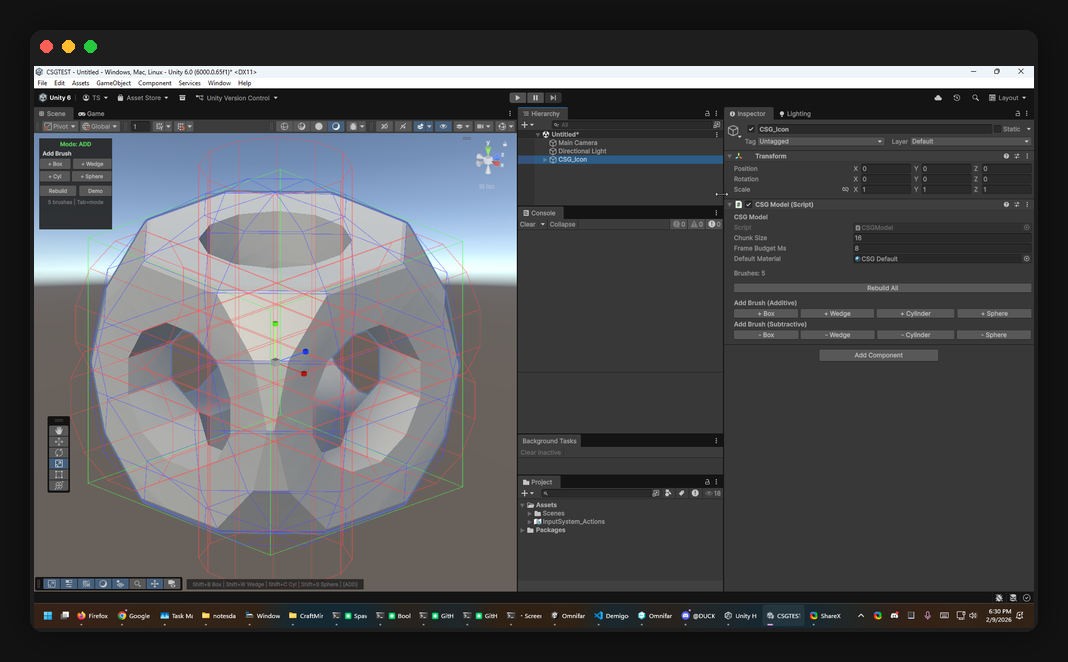
The package includes a scene overlay toolbar, keyboard shortcuts, and per-brush wireframe visualization:
- Tab toggles between additive/subtractive mode
- Shift+B/W/C/S adds box/wedge/cylinder/sphere brushes
- Wireframes are color-coded: green for additive, red for subtractive, blue for intersect
- Face drag handles let you push/pull individual brush faces
- Full Unity Undo support
The Icon Shape
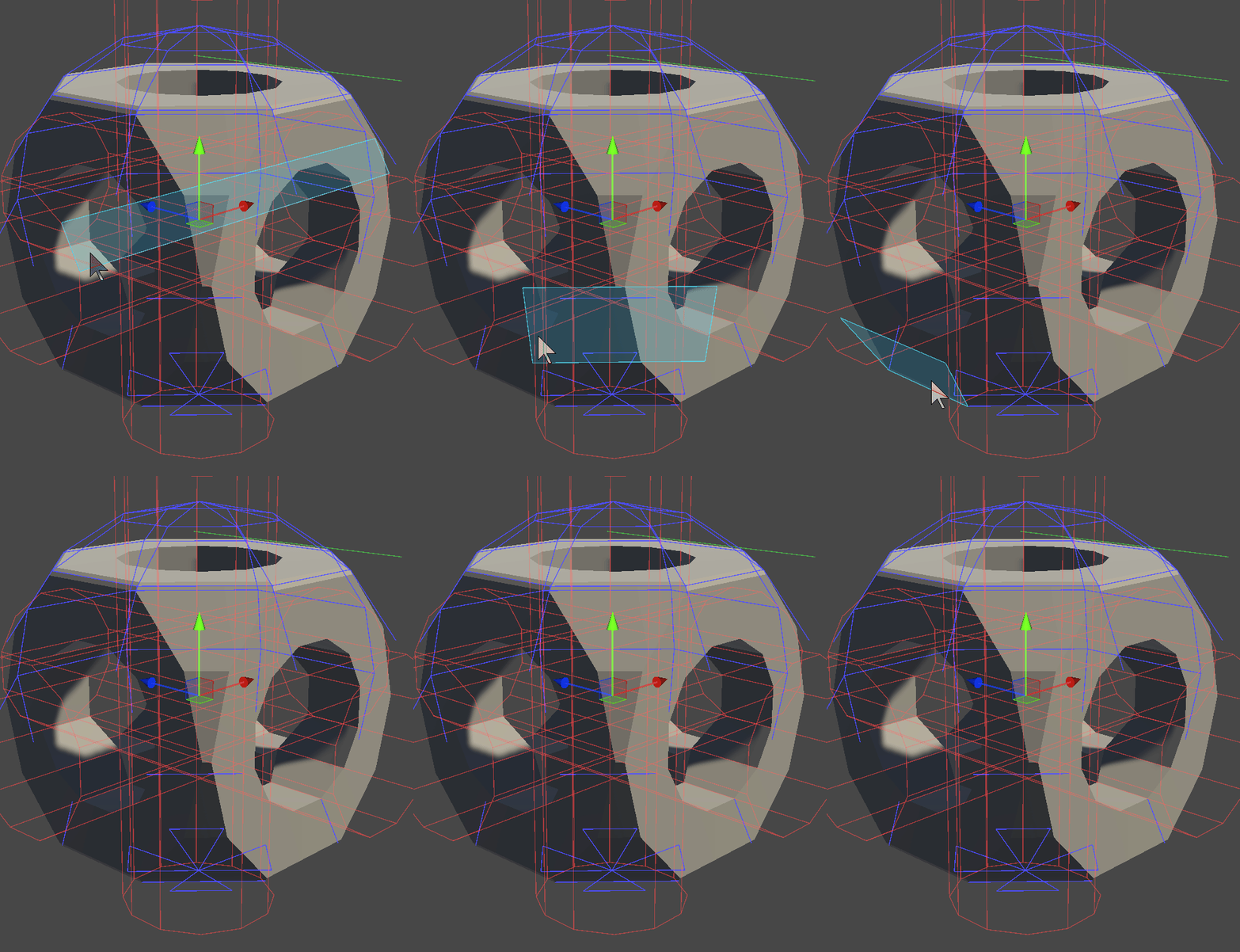
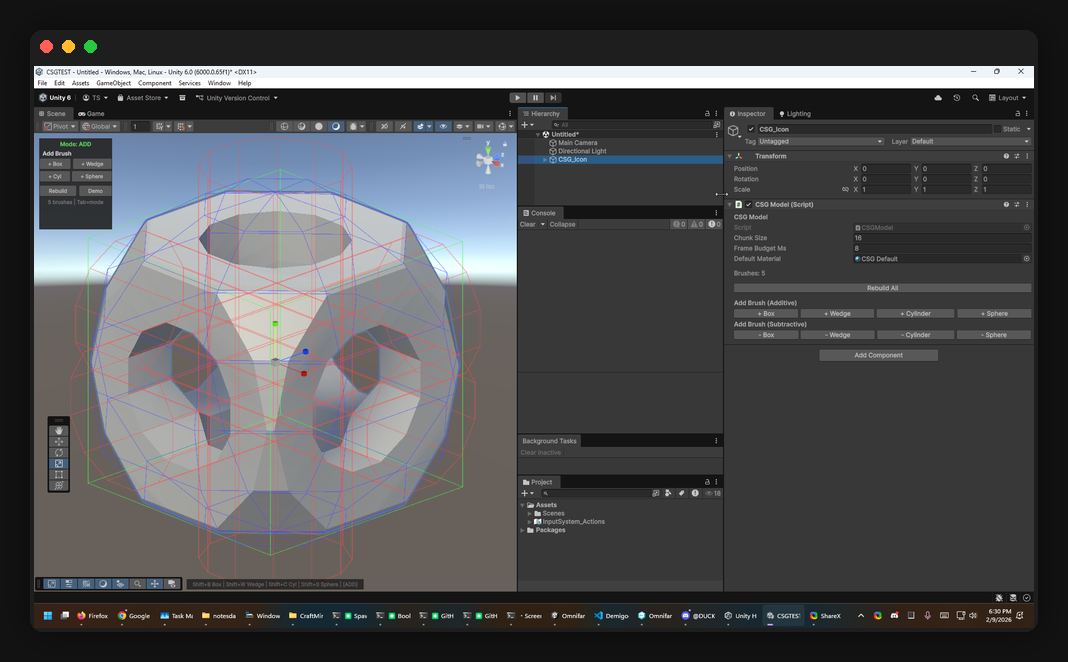
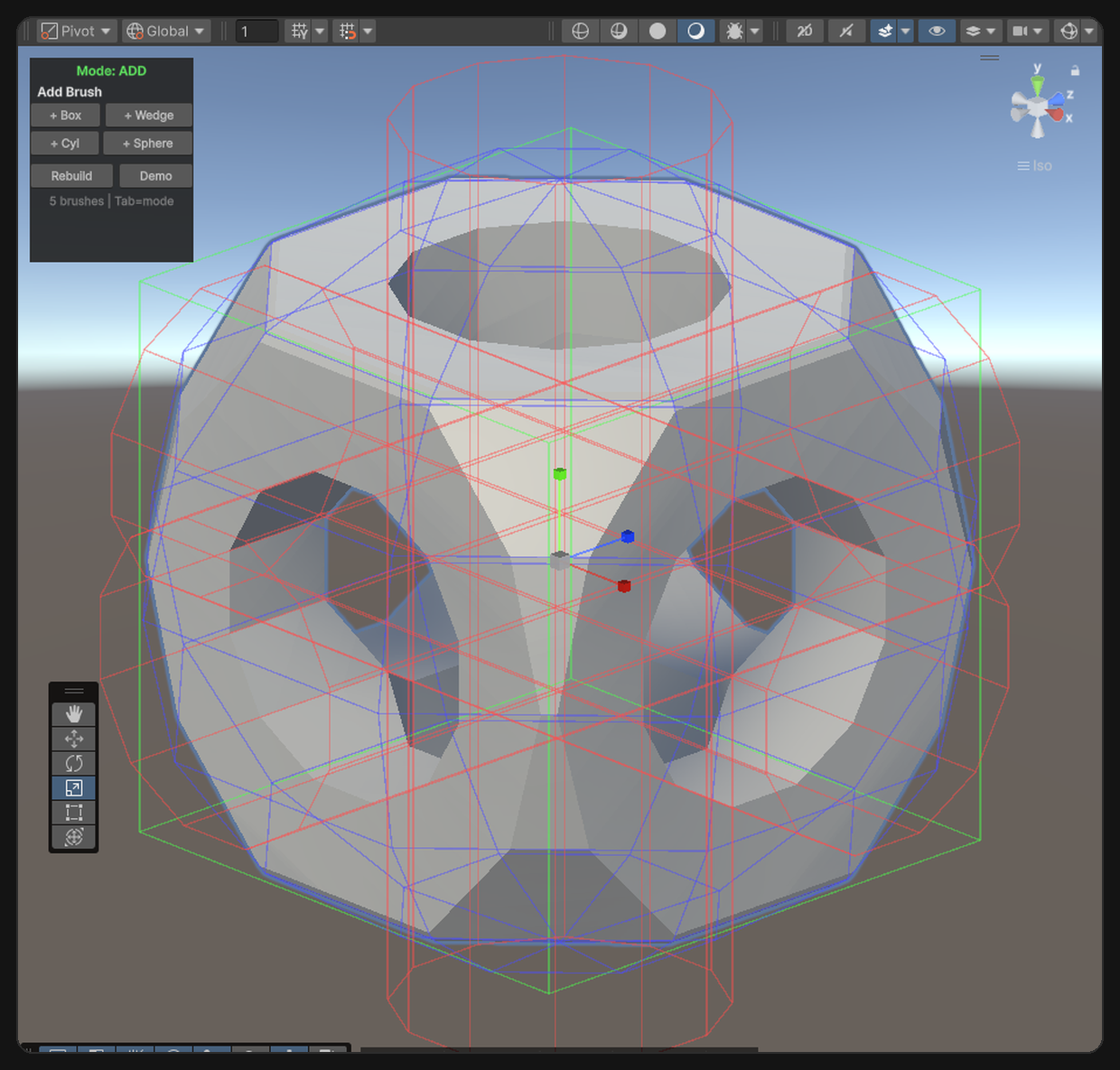
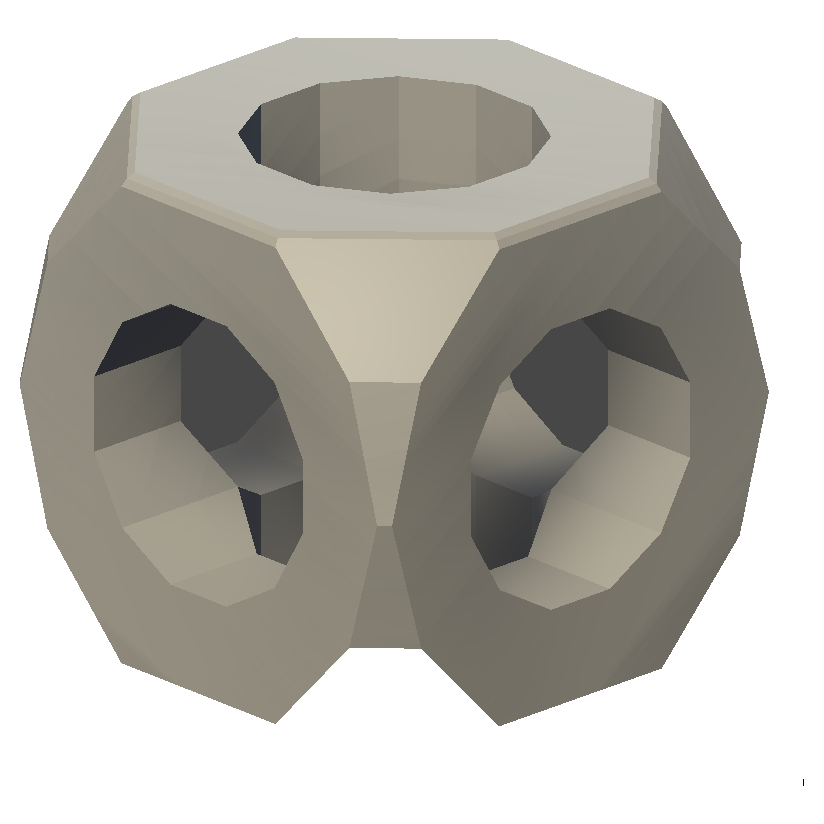
That CSG icon shape (the Wikipedia classic) is generated entirely by the engine:
- Additive box (half-extents 0.5)
- Intersect sphere (radius 0.68, 8x8 segments – rounds the corners)
- Three subtractive cylinders along X, Y, Z axes (radius 0.28, 12 sides – punches the holes)
Five brushes, one RebuildAll() call. You can spawn it from the editor menu: GameObject > CSG > CSG Icon Shape.
Testing
185 tests across two suites: 143 editor tests covering the pure CSG algorithm (split, categorize, evaluate, all operation combinations, edge cases like touching brushes and coplanar faces) and 42 runtime tests covering the component pipeline (brush creation, chunk rebuilds, mesh generation).
Tested on Unity 2022.3, 6000.1, and 6000.3. The whole suite runs in batch mode via Tronthub and gets triggered automatically by TrontAgent on every commit.
What’s Next
The package is a clean UPM install with separate runtime and editor assemblies. It works, the tests pass, and the API is stable. I’m considering an Asset Store release – there’s a real gap in the market for a CSG tool that actually works at runtime and isn’t abandoned.
For now the repo is private while I clean up the editor UX and add a few more brush types. If you’re interested, check out the landing page for more details.